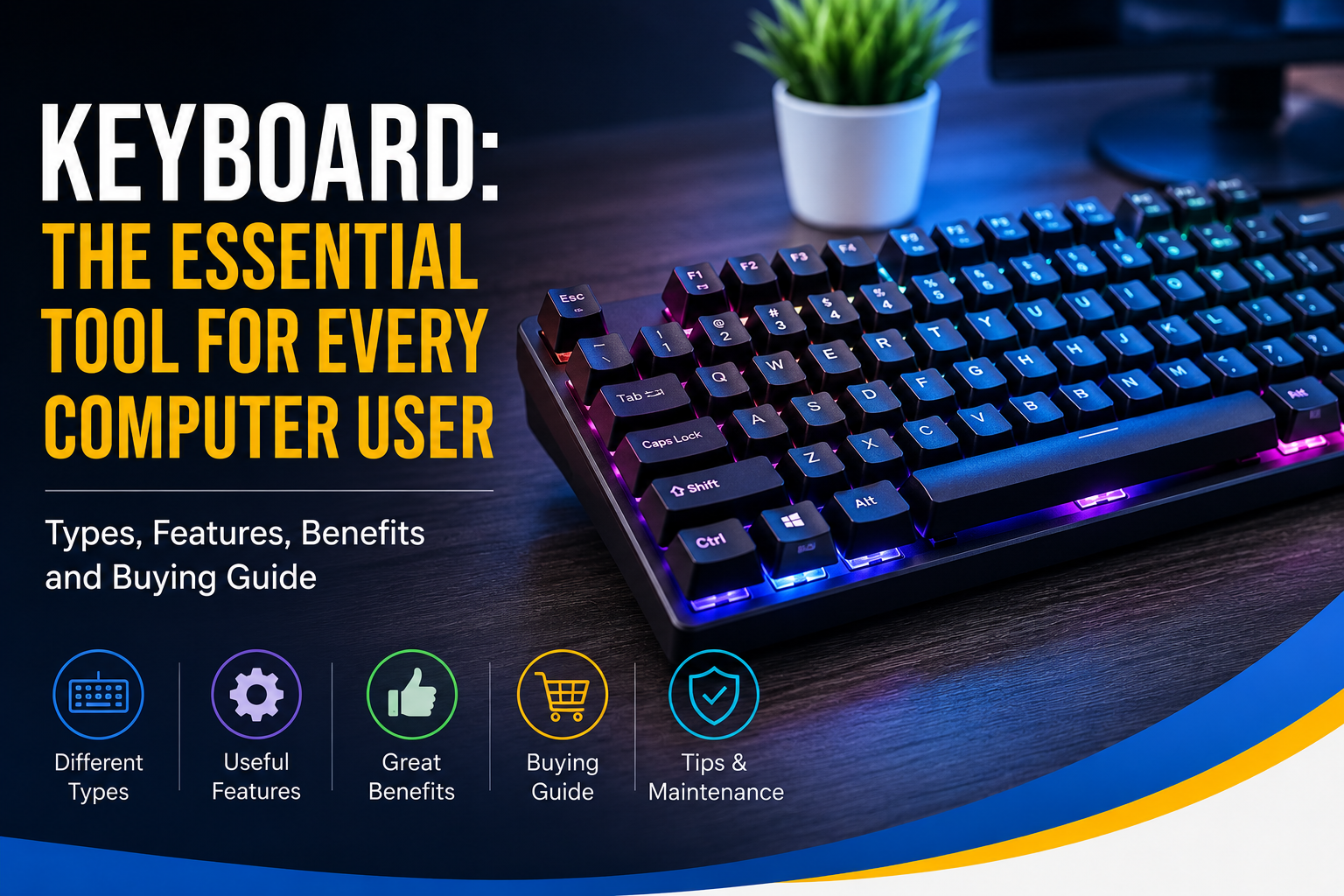
A computer keyboard is one of the most important input devices used with computers and other digital devices. It allows users to type text, enter numbers, execute commands, navigate software, and perform many everyday tasks. Whether you are a student writing an assignment, an office worker preparing documents, a programmer writing code, or a gamer playing games, a keyboard plays an essential role in modern computing.
Although keyboards have been around for many years, their technology and designs continue to evolve. Today, users can choose from traditional wired keyboards, wireless keyboards, mechanical keyboards, gaming keyboards, ergonomic keyboards, and many other specialized options.
In this article, we will explore what a computer keyboard is, how it works, the different types of keyboards, their important features, benefits, and tips for choosing the right keyboard.
What Is a Computer Keyboard?
A computer keyboard is an input device that contains a collection of keys used to enter information into a computer. When a user presses a key, the keyboard sends an electronic signal to the computer, which interprets the input and performs the corresponding action.
A standard keyboard usually includes alphabet keys, number keys, function keys, navigation keys, control keys, and special keys. The exact layout can vary depending on the keyboard design and language.
Keyboards are commonly connected through USB, Bluetooth, or other wireless technologies.
How Does a Keyboard Work?
When you press a key, the keyboard detects which key has been activated and sends a signal to the computer. The operating system then processes that signal and determines what should happen.
For example, pressing the letter A normally displays the letter “A” on the screen. Pressing the Enter key can create a new line or confirm an action, while pressing Ctrl + C can copy selected content on many operating systems.
Modern keyboards use electronic switches or sensors to detect key presses. Different keyboard technologies can provide different levels of comfort, speed, feedback, and durability.
Main Parts of a Computer Keyboard
A keyboard contains several important groups of keys.
Alphabet Keys
These keys contain letters from A to Z and are primarily used for typing words, sentences, and other text.
Number Keys
Number keys allow users to enter numerical information. They are usually located above the alphabet keys, while full-size keyboards may also include a dedicated numeric keypad.
Function Keys
Function keys are usually labeled from F1 to F12. Their functions depend on the operating system and software being used. They can perform shortcuts and specialized commands.
Control Keys
Keys such as Ctrl, Alt, Shift, and the Windows or Command key are commonly used together with other keys to perform shortcuts.
Navigation Keys
Arrow keys, Home, End, Page Up, Page Down, and similar keys help users move through documents, webpages, menus, and applications.
Spacebar
The spacebar is one of the largest keys on a keyboard. It is used to insert spaces between words while typing.
Types of Computer Keyboards
Different types of keyboards are designed for different users and purposes.
1. Wired Keyboard
A wired keyboard connects directly to a computer, usually through a USB cable. It is simple to install and does not require batteries.
Wired keyboards are commonly used in offices, schools, homes, and gaming setups. They are generally reliable and provide a consistent connection.
2. Wireless Keyboard
Wireless keyboards connect to computers without a physical cable. They may use Bluetooth or a wireless USB receiver.
A wireless keyboard can help keep a desk clean and organized. It is also convenient for users who want greater freedom to position their keyboard.
3. Mechanical Keyboard
Mechanical keyboards use individual mechanical switches beneath their keys. These switches can provide noticeable tactile or audible feedback.
Mechanical keyboards are popular among gamers, programmers, writers, and people who spend many hours typing. They are available with different switch types that provide different typing experiences.
4. Gaming Keyboard
Gaming keyboards are designed for video game players. They may include programmable keys, anti-ghosting technology, customizable lighting, dedicated media controls, and specialized software.
Some gaming keyboards also use mechanical switches for fast and consistent key presses.
5. Ergonomic Keyboard
An ergonomic keyboard is designed to make typing more comfortable by encouraging a more natural hand and wrist position.
These keyboards may have split layouts, curved designs, adjustable angles, or other features intended to improve comfort during long typing sessions.
6. Compact Keyboard
Compact keyboards remove or reduce certain keys to create a smaller design. They are useful for users who have limited desk space or prefer a portable keyboard.
Compact layouts are particularly popular among laptop users and people who want a minimalist desktop setup.
Important Keyboard Features
When choosing a keyboard, several features can affect the overall experience.
Key Switches
The type of switch used by a keyboard affects how the keys feel and respond. Mechanical switches are especially popular because they offer different tactile characteristics.
Backlighting
Backlit keyboards include lighting underneath or around the keys. This feature makes the keys easier to see in low-light environments and is also common on gaming keyboards.
Programmable Keys
Some keyboards allow users to assign custom actions to specific keys. This can be useful for gaming, editing, programming, and productivity.
Media Controls
Dedicated media buttons can make it easier to control music and videos without opening another application.
Connectivity
Keyboards may connect through USB, Bluetooth, or wireless receivers. The best connection depends on the user’s computer and personal preferences.
Benefits of Using a Good Keyboard
A good keyboard can make everyday computer use more convenient and efficient.
Faster Typing
A comfortable and responsive keyboard can help users type more efficiently.
Improved Productivity
Keyboard shortcuts allow users to perform many tasks without constantly reaching for a mouse.
Better Gaming Control
Gaming keyboards can provide customizable controls and responsive switches that are useful in many types of games.
Comfortable Typing
A well-designed keyboard can provide a comfortable typing experience, particularly for people who use computers for several hours each day.
Long-Term Durability
High-quality keyboards are often built to withstand frequent use. Some mechanical keyboards are designed for a very large number of key presses.
Keyboard Shortcuts
Keyboard shortcuts can save time and improve productivity. Common shortcuts include:
- Ctrl + C: Copy
- Ctrl + V: Paste
- Ctrl + X: Cut
- Ctrl + Z: Undo
- Ctrl + S: Save
- Ctrl + A: Select all
- Alt + Tab: Switch between open applications
Shortcut combinations can vary depending on the operating system and software.
How to Choose the Right Keyboard
Choosing the right keyboard depends on your needs and budget.
For basic office work and browsing, a standard wired or wireless keyboard may be sufficient. If you spend a lot of time typing, you may prefer a mechanical or ergonomic keyboard.
Gamers should consider features such as mechanical switches, anti-ghosting, programmable keys, and customizable controls.
If you travel frequently, a compact wireless keyboard may be a practical choice. You should also consider the keyboard’s size, layout, connectivity, comfort, durability, and compatibility with your devices.
How to Clean and Maintain a Keyboard
Regular cleaning can help keep a keyboard in good condition.
Turn off or disconnect the keyboard before cleaning it. Remove dust and debris carefully, and wipe the key surfaces with a suitable soft cloth.
Avoid spilling liquids on the keyboard. If a keyboard becomes dirty underneath the keys, carefully follow the manufacturer’s cleaning instructions.
Keeping food and drinks away from your computer setup can also reduce the risk of accidental damage.
The Future of Computer Keyboards
Keyboard technology continues to develop as users look for better comfort, portability, customization, and performance.
Modern keyboards increasingly include wireless connectivity, rechargeable batteries, customizable software, improved switches, and advanced ergonomic designs.
As computers and digital devices continue to evolve, keyboards will likely remain an important method of entering information and controlling software.
Conclusion
The computer keyboard is a fundamental input device that makes it possible to type, communicate, work, study, program, and interact with digital applications. From simple wired keyboards to advanced mechanical and gaming models, there is a keyboard for almost every type of user.
When choosing a keyboard, consider how you use your computer, how much you type, the type of switches you prefer, connectivity options, keyboard size, comfort, and additional features.
A suitable keyboard can improve productivity, make typing more enjoyable, and provide a better overall computing experience.
Leave a Reply