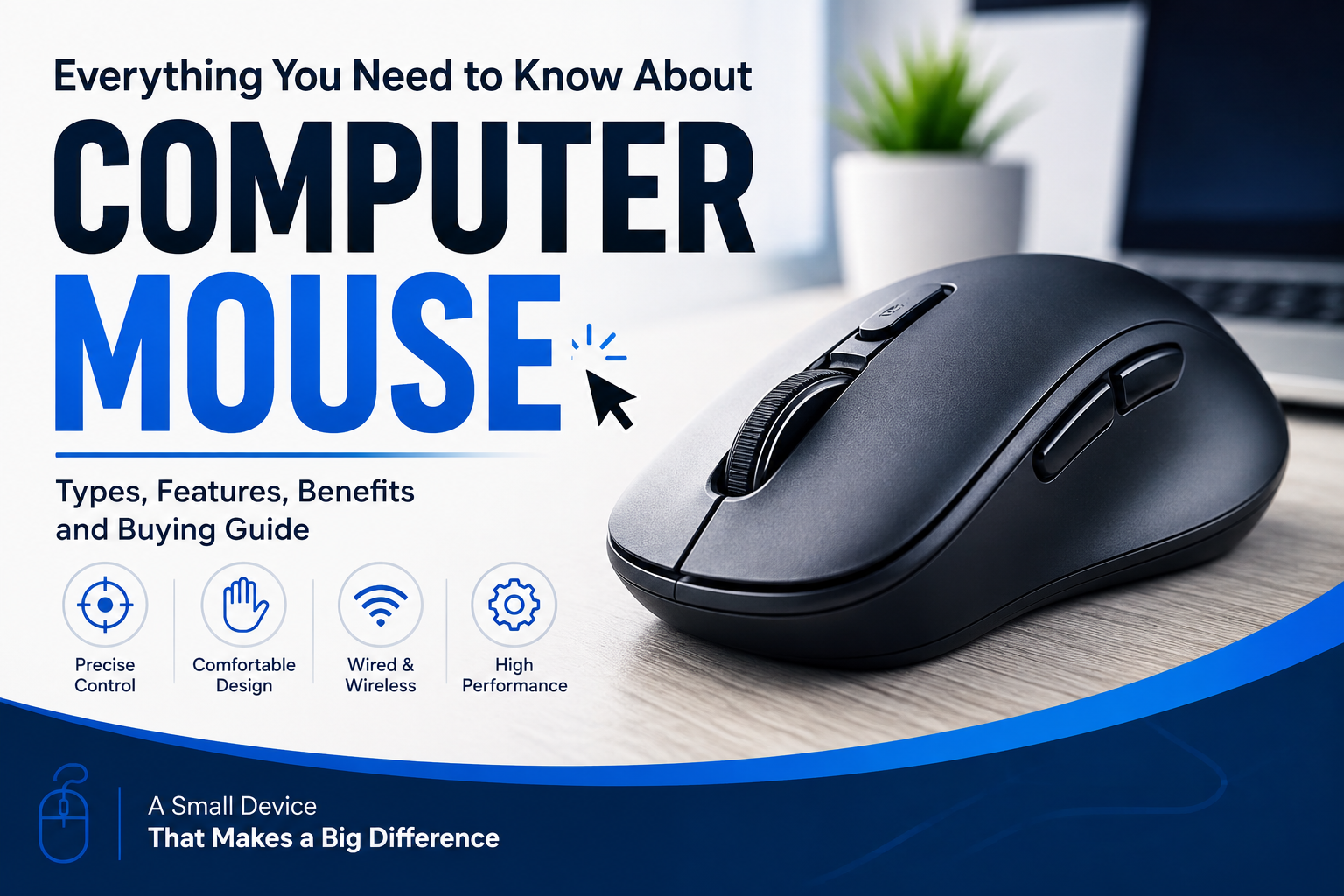
A computer mouse is one of the most common and useful input devices used with desktop computers and laptops. It allows users to control the pointer on the screen, select items, open applications, move files, browse websites, and perform many other tasks quickly and easily.
Although modern computers offer touchscreens, touchpads, keyboards, and voice controls, the computer mouse remains an essential tool for everyday computing. From students and office workers to gamers and professional designers, millions of people use a mouse every day.
In this article, we will explore what a computer mouse is, how it works, its different types, important features, and how to choose the right mouse for your needs.
What Is a Computer Mouse?
A computer mouse is a handheld pointing device that allows a user to interact with a computer’s graphical interface. When you move the mouse across a flat surface, the pointer or cursor moves on the computer screen.
Most traditional computer mice have two main buttons and a scroll wheel. The left button is generally used to select and open items, while the right button provides additional options. The scroll wheel makes it easier to move through long web pages, documents, and lists.
Modern mice can include additional buttons, adjustable sensitivity, customizable controls, RGB lighting, and wireless connectivity.
How Does a Computer Mouse Work?
A computer mouse detects movement and sends information to the computer. The computer then translates this movement into the movement of the cursor on the screen.
Older mice used a small mechanical ball to detect movement. However, most modern mice use optical or laser sensors.
Optical Mouse
An optical mouse uses an LED light and a sensor to detect movement across a surface. Optical mice are popular because they are accurate, affordable, and require little maintenance.
Laser Mouse
A laser mouse uses a laser sensor to detect movement. Laser technology can provide excellent precision and may work on a wider variety of surfaces than some optical mice.
The mouse communicates with the computer through a cable or wireless connection, depending on the model.
Main Parts of a Computer Mouse
A computer mouse may look simple, but it contains several components that work together.
1. Left and Right Buttons
The left and right buttons are the primary controls. The left button is commonly used for selecting, clicking, dragging, and opening files or programs. The right button usually opens a context menu containing additional commands.
2. Scroll Wheel
The scroll wheel allows users to move vertically through websites, documents, and applications. In some mice, the wheel can also be clicked or tilted to perform additional functions.
3. Sensor
The sensor detects the movement of the mouse. Modern optical and laser sensors provide accurate tracking without the mechanical parts found in older mice.
4. Additional Buttons
Gaming and professional mice often include extra buttons. These buttons can be programmed for shortcuts, gaming commands, navigation, or other frequently used actions.
5. Cable or Wireless Connection
A wired mouse connects to a computer using a USB cable. Wireless mice usually connect through Bluetooth or a USB receiver.
Types of Computer Mouse
There are several types of computer mice available today. Each type is designed for different users and purposes.
Wired Mouse
A wired mouse connects directly to a computer through a cable, usually using USB. It does not require batteries and generally provides a stable connection.
Wired mice are popular in offices, schools, and gaming setups because they are simple and reliable.
Wireless Mouse
A wireless mouse connects to a computer without a physical cable. Many wireless models use a USB receiver, while others use Bluetooth.
Wireless mice help keep a desk organized and provide greater freedom of movement. However, they require a battery or rechargeable power source.
Gaming Mouse
Gaming mice are designed specifically for video games. They often feature high-precision sensors, programmable buttons, adjustable sensitivity, and ergonomic designs.
Some gaming mice also include customizable lighting and software that allows users to create profiles for different games.
Ergonomic Mouse
An ergonomic mouse is designed to provide a more comfortable hand position during extended computer use. Its shape may differ considerably from a standard mouse.
Ergonomic designs can be useful for people who spend many hours working at a computer.
Trackball Mouse
A trackball mouse uses a movable ball that the user rotates with their fingers or thumb. Instead of moving the entire device across a desk, the user moves the ball to control the cursor.
Trackball devices can be useful when desk space is limited.
Benefits of Using a Computer Mouse
A computer mouse offers several advantages that make computer use easier and more efficient.
Easy Navigation
A mouse makes it simple to navigate websites, applications, folders, and menus.
Precise Control
A good mouse allows users to position the cursor accurately. This is especially useful for graphic design, photo editing, gaming, and other detailed tasks.
Faster Selection
Clicking and dragging with a mouse can be faster and more convenient than using keyboard commands for many everyday activities.
Better Gaming Experience
Gaming mice can provide precise control and customizable buttons, which can be particularly useful in competitive games.
Comfortable Everyday Use
An appropriately sized and designed mouse can make everyday computer work more comfortable.
DPI and Mouse Sensitivity Explained
One important specification you may see when purchasing a mouse is DPI, which stands for dots per inch.
DPI indicates how far the cursor can move on the screen when the mouse is moved a certain physical distance. A higher DPI setting generally makes the cursor move farther with less physical mouse movement.
Many modern mice allow users to change DPI settings according to their preferences.
For normal office tasks, a moderate sensitivity setting is usually sufficient. Gamers and designers may prefer adjustable DPI because different activities can require different levels of precision.
How to Choose the Right Computer Mouse
Choosing the right mouse depends on how you use your computer.
If you mainly browse the internet, write documents, and perform office work, a simple wired or wireless mouse may be enough.
For gaming, consider a mouse with an accurate sensor, comfortable shape, programmable buttons, and adjustable sensitivity.
For long working sessions, comfort should be a major consideration. An ergonomic mouse may be a better option if you prefer a design that supports a more natural hand position.
You should also consider connectivity, battery life, size, weight, button layout, and compatibility with your operating system.
Wired vs. Wireless Mouse
Both wired and wireless mice have advantages.
A wired mouse usually offers a direct connection, does not require batteries, and is easy to set up. It can be a good choice for gaming and desktop computers.
A wireless mouse provides a cleaner workspace and greater freedom of movement. It can be particularly convenient for laptops and modern desk setups.
The best option depends on your personal requirements.
Tips for Maintaining Your Mouse
Taking care of your mouse can help it remain functional for a longer period.
Keep the mouse and its sensor clean and avoid using it on extremely dirty or unsuitable surfaces. If you use a wireless mouse, recharge or replace its battery when necessary.
Avoid dropping the mouse or pulling its cable sharply if you use a wired model. You should also clean the buttons and scroll wheel carefully if dust or dirt builds up.
Using a suitable mouse pad can also provide smoother tracking and protect the bottom of the mouse.
The Future of Computer Mice
Computer mouse technology continues to evolve. Modern models are becoming more accurate, lighter, more customizable, and more comfortable.
Wireless technology has also improved significantly, with many modern wireless mice offering reliable connections and rechargeable batteries.
In the future, computer mice may continue to include smarter customization, improved ergonomic designs, more efficient sensors, and advanced connectivity options.
Conclusion
The computer mouse is a simple but extremely important input device. It provides an easy and precise way to interact with a computer, making tasks such as browsing, selecting files, editing documents, designing graphics, and playing games more convenient.
From basic wired models to advanced gaming and ergonomic mice, there are many options available for different users. Understanding features such as sensor technology, DPI, connectivity, buttons, and ergonomics can help you choose a mouse that matches your needs.
Whether you use a computer for work, study, entertainment, or gaming, a reliable mouse can make your overall computing experience faster, easier, and more comfortable.
Leave a Reply